NYX Ditech

Categories
Technology

Professional Web Development In Education Industry Is The Need Of The Hour

They say that education is a never ending process and we couldn’t have agreed more. It is the backbone of every society and plays the lead role in growth and development of any nation, even the world as a whole. The education process has transformed radically over the years. We have moved from one to one physical interaction module to paperless digital education. Education about every subject can be imparted through digital means which introduced professional web development for the education industry.

A professionally developed website can serve many purposes. Informative queries could be addressed by the institution besides imparting information about the institute for marketing purpose. All the announcements, examination information, updates for students & teachers, fees structure etc. can all be displayed on one single platform.

Why Is a Web Application For An Educational Institution Important?

If we try and curate the online education trends that prevail today, we can clearly point out the drastic changes as compared to trends which use to dominate a few decades ago. Previously, while looking for a renowned education institute for their children, parents use to rely on word of mouth from other parents, students, tutors etc. But today everyone is internet savvy and uses the internet to get their answers. Internet marketplace is full of educational institute websites showcasing everything about their institute, the curriculum, teaching staff, fees, placement details etc.

The websites are not limited to only higher education band. There are websites of kindergarten, pre-primary, primary, secondary, higher secondary, and even vocational education centers. The game is wide open with a lot of choices and hence if you are not jumping in the competition you are losing BIG.

What’s The Use Of A Web Application?

  • A student can get all the information related to exam dates, entrance exams, syllabus details, results, grade history, final exams and much more
  • Queries regarding lectures and studies can be answered through the portal
  • Students can learn via e-learning and e-library
  • The tutors could showcase their knowledge about a subject and offer coaching services
  • Tutors can provide live coaching sessions to students
  • CMS systems would help the organizations to update regular data and manage it systematically
  • The organization can market its services and add potential prospects.

Redesigning Of Existing Website

There’s a bright possibility that you already have a website for your education institute. But, is that enough? The answer is NO! A website that is not updated regularly is as good as dead. Your website needs to be constantly redesigned and updated using the latest technology. The User Experience and User Interface elements are extremely crucial and thus requires proper attention. Another important aspect is your page load time. The website must be light and should get uploaded within a few seconds. Lastly, students, parents, and teachers must easily understand your website.

For all the above mentioned important aspects you need a professional guidance. Talk to our web development experts to create a web application or speak to our design experts for redesigning your existing website.

Categories
Design

5 Best Practices To Design Exceptional Buttons

When we start listing down the elements to consider while designing a web page, the list surely goes on and on. There are numerous basic elements and then there are the complex ones. A designer always tries to cover most of the elements contributing to the user experience. However, often in a quest to get his hands on every element, the most vital elements are missed out. Consider Buttons; they are one of the most common elements of an interactive design. Even though they are the most basic ones, they are surely the most important ones. Here are 5 important tips to design better buttons.

1. Buttons Should Look Like Buttons

It’s pivotal that the users recognize a button in the first look itself. Visual cues guide users to determine clickability of an option. When it comes to shapes, a square/rectangular shape is universally used and is probably the safest bet. A square/rectangle with round corners is another popular variation. You can experiment with other shapes (round, oval, triangle etc.) as well, but the risk factor is slightly higher with these options.

Regardless of the shape that you select, the key factor is to maintain consistency across the interface controls. The consistency might not add wonders in terms of design, but users will surely get a familiar experience which is critical. Use Drop-shadows to make the element stand out against the background to make it identifiable as a clickable or tappable element.

2. Label The Buttons Appropriately

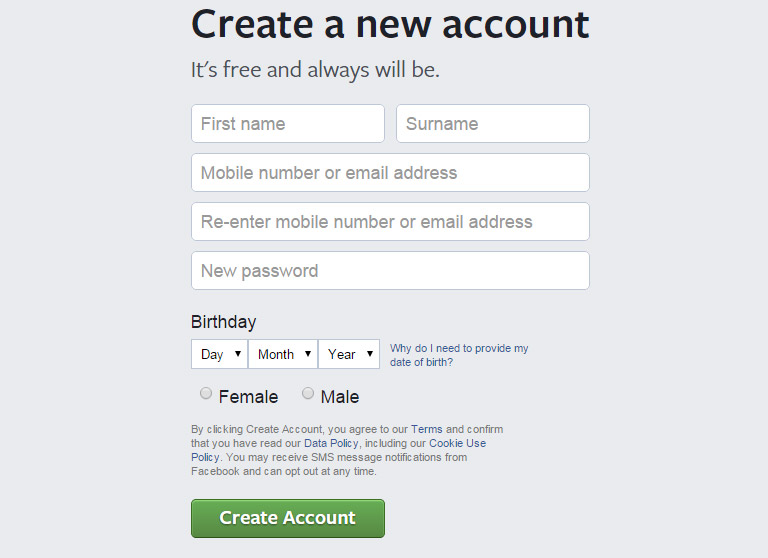
Another important thing to remember while designing buttons is to label them properly. A button must clearly send a message as to what will happen if someone clicks on it. Avoid vague labels like “Submit” or labels that don’t provide clear information. Users must know exactly what will happen when they click on the button. For example – “Create Account” button during the new sign up procedure clearly indicates the specific task.

fb-create account
Image Credits: Facebook

3. Place The Buttons Properly

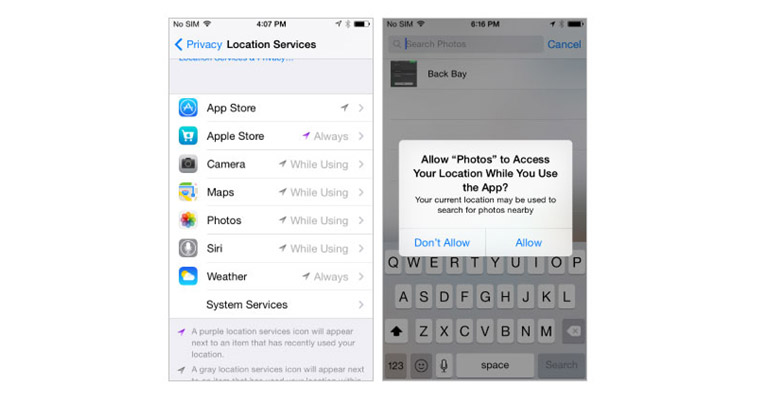
Users should never waste their time in looking out for buttons on your website. Place the buttons exactly where users expect them to see. In case of a native app, you should follow platform GUI guidelines while selecting a proper order and location for buttons. Applying a consistent design in terms of user expectations saves their time.

While designing web-based apps, you should try to figure out which placement works best for your users. Use testing methods to determine the same.

Apple Insider
Image Credits: appleinsider.com

4. Keep The Interaction Between Users And Buttons Very Simple

Visual feedback and size of a button play the most important role in user interaction. The size of a button should be in relation to other elements on the page. At the same time, it should also be large enough for people to interact. According to a study, the average size of fingertips is 8–10mm, average size of finger pads is between 10–14mm that makes 10mm x 10mm a good minimum touch target size.

Usually, a button has multi-states, and thus providing visual feedback to users indicating the current state should be an utmost priority task.

5. Primary action Button Must Have Strongest Visual Weight

The most important buttons must be clearly identifiable with the help of visual distinction. If there are two or more buttons in your view, (e.g. dialog box), the primary action must have strongest visual weight. Distinguish between the two options clearly, by using different visual weight for each button.

Let’s get this straight! Buttons are not just Buttons for heaven sake. They represent more than mere boxes and tabs. Explore more about buttons and web designing from the User Experience point of view. Talk to our experts today.

Categories
Web Design

4 Easy Tips To Design A Photography Website

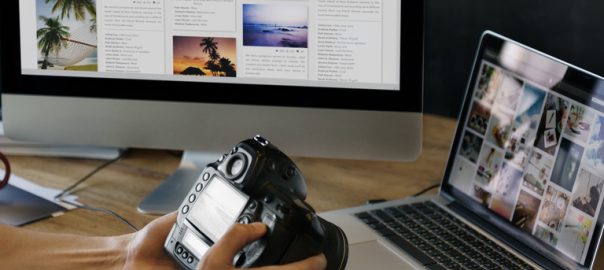
Photography is outrightly one of the most creative industries. The best way to showcase your creativity through photography is by setting up a photography website. It sounds a lot of fun and excitement, however, a lot of photography websites don’t live up to the expectations and are simply labeled awful. As a matter of fact, an outdated and buggy website can cause some serious pain. The potential clients are always looking out for best work and if your website fails to impress them in one go, they will simply neglect you forever. But don’t sweat! Here are a few tips to make a dazzling photography website.

1. Don’t Overcrowd Your Website

As a photographer, there’s a natural urge of displaying each and every picture that you’ve ever clicked. But, this urge can make your website look shabby and overcrowded. The design of your website must be pretty clean. Thus, choose a handful of your clicks for display. A narrowed down selection will make your website feel organized and well structured.

2. Make It Exclusive

There are tons of photography websites floating around the web. This makes it extremely challenging to stand out of the crowd. One must aim to create a unique website which doesn’t feel like a mere replica of any other website. During the initial phase, one will definitely refer to the available websites of same nature. There isn’t any harm in doing so but, this process should only be utilized for gathering ideas rather than simply copy-pasting a design template of any popular website.

If you want to create a memorable and delightful user experience, you must distance yourself from free website templates. They are FREE, so obviously millions of users would have already implemented them. Besides, there are reasons for which they are provided as free.

3. Avoid Complex Navigation

You want people to notice your work when they land on your website rather than figuring out ways to move across your website. It’s good to be creative and play around with the design aspect, but navigation bar would be the last place to infuse your creativity. Keep the navigation pattern simple. The most important links must be placed right at the top followed by secondary navigation links. Don’t try to show all possible links. Zero down on the most important ones and show them in the top navigation bar.

4. Create a Responsive Website

We have certainly evolved a lot over the years when it comes to accessing the Internet. Gone are the days when you had to wait for reaching home or office to access the internet through desktops. Today, a mere swipe on your smartphone screen gets you into the wide world of internet. The number of people accessing the web through mobile devices will very soon climb over the number of people accessing it through desktops. It’s quintessential to have a responsive website design so that your website performs flawlessly across all devices.

Our experts here at NYX Ditech ensure that we provide a 100% responsive website to our clients. There are many more complex tips which our experts have up their sleeves. This ensures that our client gets only the best. Talk to us today!

Categories
Web Design

5 Reasons To Choose A Custom Web Design Over Readymade Templates

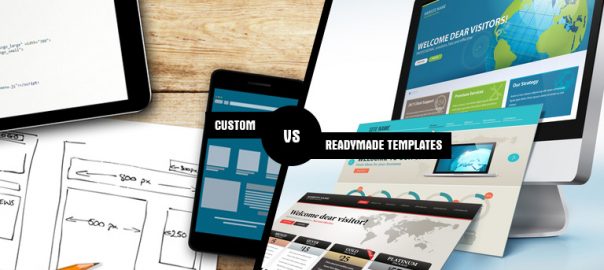
You hit one of your favorite multi-cuisine restaurants and start browsing the menu. The list is exhaustive and your mind starts hustling between Italian, Chinese, Indian and Mexican. A simple task of ordering a meal looks like a challenge and just when you reach on top of your dilemma, you see “Sunday Super Mixer Meal”. A sigh of relief and you get what you really want – a little bit of this and a little bit of that. The satisfaction of customising things is a known human emotion and this emotion is very well connected while building your dream website. This shows what comfort and pleasure humans receive from customisation. The exact phenomenon applies when you are choosing between custom web design and a readymade template. Here are 5 reasons why a custom web design is a better option than readymade templates :

Maximum freedom to customise

Maximum freedom to customise

One of the most important reason is the freedom to customise. The options to change elements in a readymade theme are minimal and you are bound to stick with the structure of the theme. However, you can customise your website exactly the way you want in a custom web design.
This provides you with a leverage to think liberally on grounds of your business and what you really want to show to your audience.

Effective Branding

Effective Branding

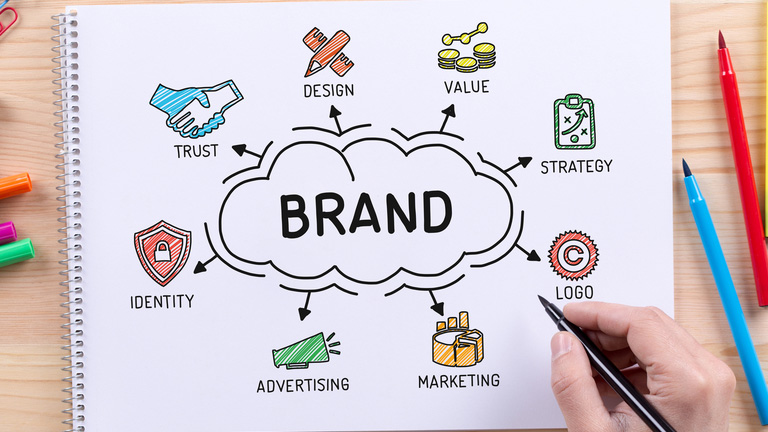
Your website should portray the essence of your brand. Every component of your website must be designed to speak the language of your brand. Custom web designs are tailor made for a business, product and brand. Layouts, fonts, and colours are considered right from the start and can be developed knowing entirely how it will enhance your online brand. The other plus point is that your website will be a stand out as other businesses will not be browsing through the same list of templates for their new websites.

Long Term Cost Effectiveness

Long Term Cost Effectiveness

The initial cost of a custom design is definitely higher than readymade templates. However, if we look at the broader horizon and long-term costing, custom web design is more cost effective. A custom web design is a one-time investment. Every business in a longer run will need to shift to a custom web design at some point in time and migrating from a readymade template to a custom design is more costly and full of hassles. So it’s a better option to start itself with a custom design

Clean Code

Clean Code

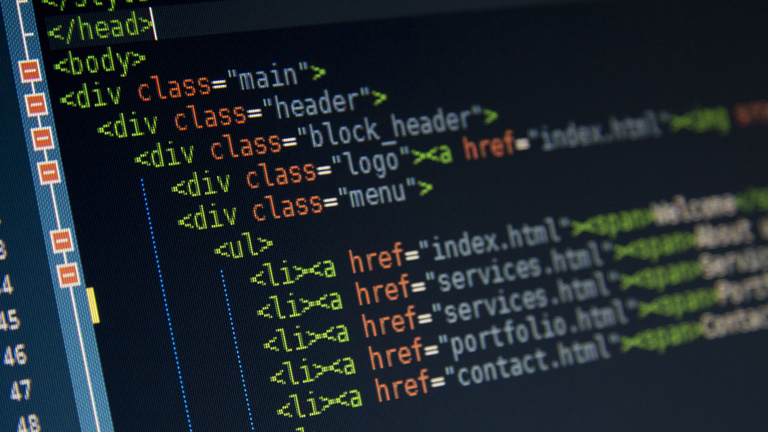
A custom web design provides a platform for neat and clean code development. It is very important to maintain a clean code structure as search engines, especially Google prefer an organised code. A custom web design provides you total control over the code and you can decide on how the code works and look. You are not dependent on someone else’s code.

Search Engine Friendly

Search Engine Friendly

When you choose a professional web design company to create your website, you work with a team of professional web developers who ensure that the website is search engine optimised at the intermediate level. The team of professionals include expert web developers, web designers and SEO experts who help your website to achieve higher page rankings. You don’t get this support and guidance while working on readymade templates.

Here at NYX Ditech also we have an entire team of experts backed with years of industry experience. They work very closely with clients in order to understand every requirement and pace the web designing process based on that. Our team propels your dream by their expertise and hands-on knowledge about web designing. Join us today and lay the foundation of your dream website.